
Single sign-on (OIDC)
Dreeve can let you log in to the admin panel through an OpenID Connect (OIDC) identity provider, such as Authentik, Authelia, Keycloak or Pocket ID.
Single sign-on is optional. The username and password login keeps working next to it.
Setting up your identity provider
Section titled “Setting up your identity provider”Create a new OIDC client (sometimes called an application or provider) with these settings:
- Client type: confidential, with a client secret.
- Redirect URI:
https://dreeve.example.com/admin/login/oidc/callback, with your own domain. - Scopes:
openid,emailandprofile. - Token endpoint authentication:
client_secret_basic. - ID token signing: an asymmetric algorithm such as RS256 or ES256. Tokens signed with the client secret (HS256) are not supported.
Create an OAuth2/OpenID Provider and an application that uses it.
- Set the client type to Confidential and add the redirect URI.
- Pick a Signing Key. Without one, Authentik signs tokens with the client secret, which Dreeve does not support.
- The issuer URL is
https://authentik.example.com/application/o/<application-slug>/.
identity_providers: oidc: clients: - client_id: 'dreeve' client_name: 'Dreeve' client_secret: '$pbkdf2-sha512$310000$...' # A hashed secret, see the Authelia docs. public: false authorization_policy: 'two_factor' require_pkce: true pkce_challenge_method: 'S256' redirect_uris: - 'https://dreeve.example.com/admin/login/oidc/callback' scopes: ['openid', 'email', 'profile'] response_types: ['code'] grant_types: ['authorization_code'] token_endpoint_auth_method: 'client_secret_basic'The issuer URL is the URL of Authelia itself, for example https://auth.example.com.
Add a new OIDC client.
- Enter the redirect URI as its Callback URL.
- A new client is restricted to user groups. Add a group you are in under Allowed User Groups, or lift the restriction. Otherwise Pocket ID answers with “You are not allowed to access this service”.
- The issuer URL is the URL of Pocket ID itself, for example
https://id.example.com.
Configuring Dreeve
Section titled “Configuring Dreeve”Add these variables to your .env file and recreate your containers:
OIDC_ISSUER_URL=https://auth.example.comOIDC_CLIENT_ID=dreeveOIDC_CLIENT_SECRET=your-client-secret# Comma-separated. Each entry is a subject ("sub" claim) or a verified email address.Single sign-on is only switched on when all four variables are set. The login page then shows a Sign in with single sign-on button.
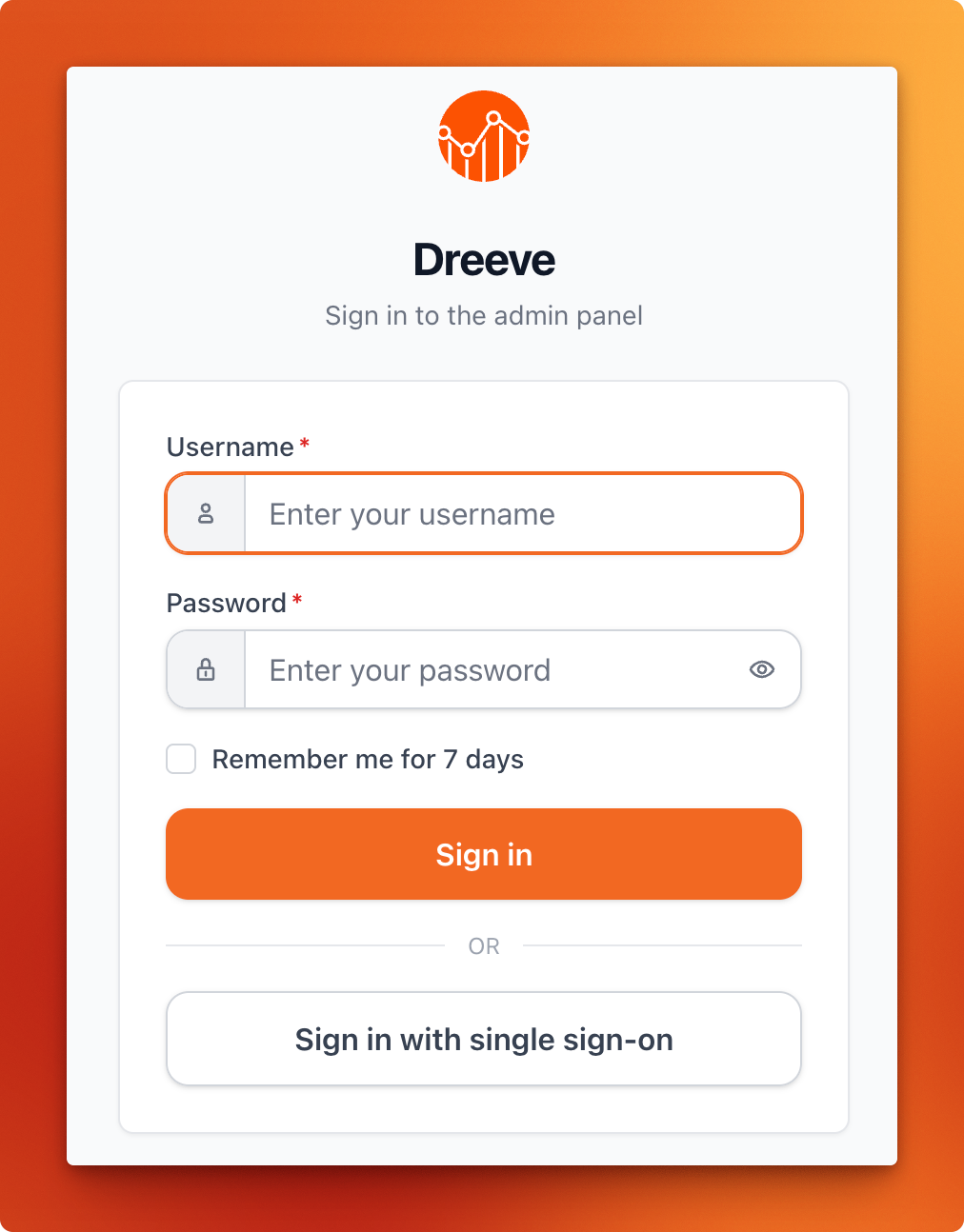
When single sign-on is set up, you can leave ADMIN_PASSWORD_HASH empty to switch off the password login entirely.
The allowed IP addresses for the admin panel (ADMIN_ALLOWED_IPS) still apply to single sign-on.