Installation
Start off by showing some ❤️ and give this repo a star. Then, from your command line:
# Create a new directory> mkdir dreeve> cd dreeve
# Create docker-compose.yml and copy the example contents into it> touch docker-compose.yml> nano docker-compose.yml
# Create .env and copy the example contents into it. Configure as you see fit> touch .env> nano .env
docker-compose.yml
Section titled “docker-compose.yml”services: app: # The Dreeve Docker image is available on Docker Hub and the GitHub Container Registry image: robiningelbrecht/dreeve:latest # image: ghcr.io/dreeveapp/dreeve:latest container_name: dreeve restart: unless-stopped volumes: - ./build:/var/www/build - ./storage/database:/var/www/storage/database - ./storage/files:/var/www/storage/files # Drop your .fit/.tcx/.gpx files in ./watch to have them imported. - ./watch:/var/www/watch env_file: ./.env healthcheck: test: ["CMD", "curl", "-f", "http://localhost:2019/metrics"] start_period: 60s ports: - 8080:8080 networks: - dreeve-network
# This container runs the recurring background tasks: daemon: image: robiningelbrecht/dreeve:latest container_name: dreeve-daemon restart: unless-stopped volumes: - ./build:/var/www/build - ./storage/database:/var/www/storage/database - ./storage/files:/var/www/storage/files - ./watch:/var/www/watch env_file: ./.env healthcheck: test: [ "CMD", "sh", "-c", "test -f /var/www/storage/database/dreeve.db && echo 'ok' || exit 1" ] start_period: 5s command: ['bin/console', 'app:daemon:run'] networks: - dreeve-network
networks: dreeve-network:This is the minimal .env to get started.
# Either "files" (default) or "stravaApi".# See https://docs.dreeve.app/importing/overview/IMPORT_MODE=files
# The URL you will reach the app on. Include the port if you use one.# Must point at the root of a (sub)domain, subdirectories are not (fully) supported.APP_URL=http://localhost:8080# Valid timezones can be found under the TZ Identifier column here:# https://en.wikipedia.org/wiki/List_of_tz_database_time_zones#ListTZ=Etc/GMT
# Used to sign the admin session cookie. Set it to any long random string.APP_SECRET=change-me-to-a-long-random-string
# Admin panel credentials.ADMIN_USERNAME=admin# See the "Admin password" section below.ADMIN_PASSWORD_HASH='replace-me'
# Takes a comma-separated allowlist. When it is set, requests to /admin* from any other IP are rejected.# CIDR ranges are supported, so 192.168.1.0/24 allows your whole home network.# ADMIN_ALLOWED_IPS=192.168.1.10,192.168.1.11,10.0.0.0/24# Which peers Dreeve accepts X-Forwarded-* headers from. Defaults to private_ranges,# which is what you want in Docker. See the "Running behind a reverse proxy" section below.# TRUSTED_PROXIES=private_ranges
# Enables the HTTP API that lets an external client upload activity files. Leave it unset# to keep the API closed; while it is unset every API request is rejected.# Generate a value under Settings -> Security -> API access in the admin panel.# DREEVE_API_KEY=drv_...
# Only needed when IMPORT_MODE=stravaApi.# See https://docs.dreeve.app/importing/strava-import/# STRAVA_CLIENT_ID=# STRAVA_CLIENT_SECRET=# STRAVA_REFRESH_TOKEN=
# Uncomment and set these to run the container as a non-root user.# PUID=your host UID# PGID=your host GID
# How many requests Dreeve can serve at the same time. Defaults to 4.# Each worker holds a booted copy of the app in memory, so raise it if pages feel# queued up on a machine with cores to spare, and lower it to 2 on a low-memory NAS.# FRANKENPHP_NUM_WORKERS=4Running behind a reverse proxy
Section titled “Running behind a reverse proxy”Dreeve never sees your browser’s IP address directly. When Dreeve runs behind Docker,
incoming connections typically arrive from the Docker bridge network’s gateway (something like 172.30.0.1),
so Dreeve uses the X-Forwarded-For header set by your reverse proxy to determine the original client IP address.
TRUSTED_PROXIES decides which peers are allowed to set that header, and defaults to private_ranges
which trusts proxies running on private network ranges.
If you expose Dreeve’s port directly to an untrusted network without a reverse proxy,
set TRUSTED_PROXIES to an empty value. This disables proxy trust, causing Dreeve to use the IP address of the direct connection instead.
You can see which client IP address Dreeve resolved for your current request in the admin panel under Settings → Security.
Admin password
Section titled “Admin password”Dreeve’s admin panel is where you configure everything, so you need to be able to log into it.
ADMIN_PASSWORD_HASH holds a bcrypt hash of your password, not the password itself.
The command that generates the hash runs inside the container, so start the containers first and leave
ADMIN_PASSWORD_HASH empty for now:
> docker compose up -d> docker compose exec app bin/console security:hash-passwordUse the interactive prompt.
A hash of:
$2y$13$bHxkUSQsfOt1T.dqbu8g4u/H6EXruv.lPUrwi.4NEGdkrKslTDAqWgoes into your .env as:
ADMIN_PASSWORD_HASH=$$2y$$13$$bHxkUSQsfOt1T.dqbu8g4u/H6EXruv.lPUrwi.4NEGdkrKslTDAqWKeep the hash unescaped by wrapping it in single quotes:
ADMIN_PASSWORD_HASH='$2y$13$bHxkUSQsfOt1T.dqbu8g4u/H6EXruv.lPUrwi.4NEGdkrKslTDAqW'Running the application
Section titled “Running the application”Now that .env is complete, recreate the containers so they pick up your password hash:
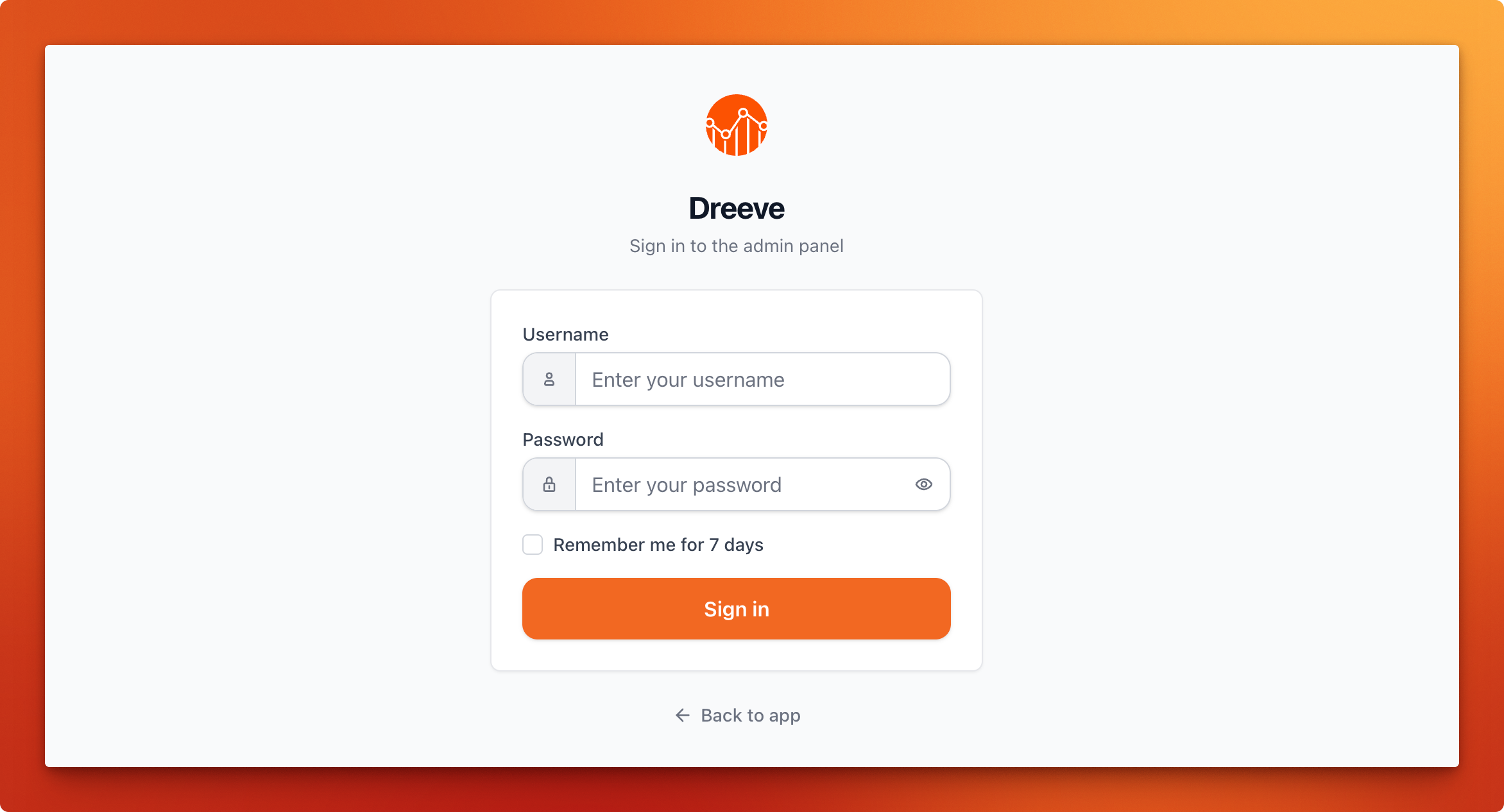
> docker compose up -dThe docker container is now running; navigate to http://localhost:8080/ to access and set up the app. You should be redirected to the admin panel login page.