
Import fails with syntax error
Several users have reported unexpected “JSON Syntax” errors while importing:
- https://github.com/dreeveapp/dreeve/issues/1621
- https://github.com/dreeveapp/dreeve/issues/1623
- https://github.com/dreeveapp/dreeve/issues/1357
- https://github.com/dreeveapp/dreeve/issues/1288
- https://github.com/dreeveapp/dreeve/issues/1180
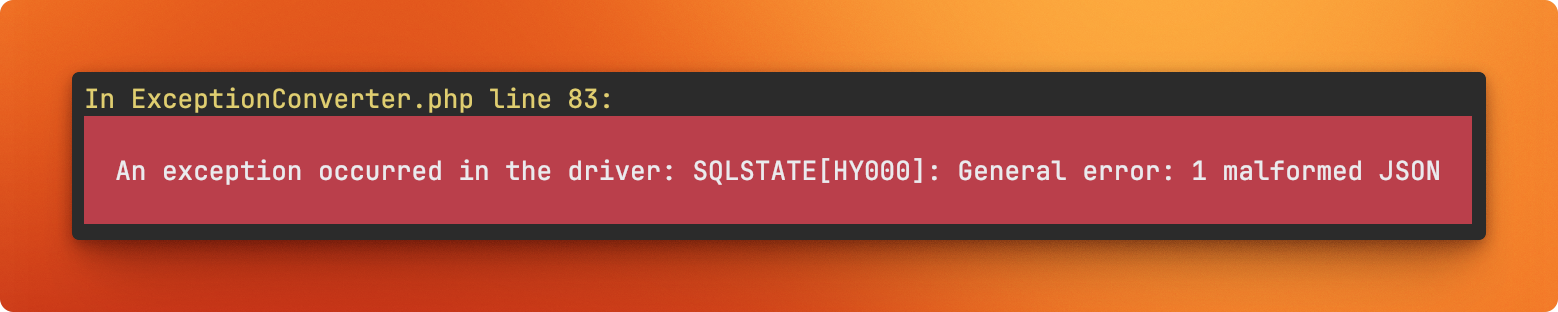
All of these issues share the same root cause: at some point, data became corrupted. Unfortunately, we still don’t know exactly how or why this corruption occurs.
To resolve this, we’ve created a CLI tool that can detect corrupted data by identifying the activities that trigger these errors and deleting them. During the next import run, the deleted activities will be automatically re-imported from Strava.
Run the following command:
> docker compose exec app bin/console app:import:detect-corrupted-activitiesThis command will guide you step by step through identifying and deleting the affected activities.