File import
This is Dreeve’s default mode (IMPORT_MODE=files).
Supported file types
Section titled “Supported file types”| Extension | Notes |
|---|---|
.fit | The richest format. Produced by most Garmin, Wahoo and Zwift devices. Contains streams, laps, power, heart rate. |
.tcx | Contains streams and laps. |
.gpx | Route data. Contains the least detail of the three. |
Uploading files
Section titled “Uploading files”Drop files into the watch/ folder that you mounted in your
docker-compose.yml. On the next import run, everything in
it is processed.
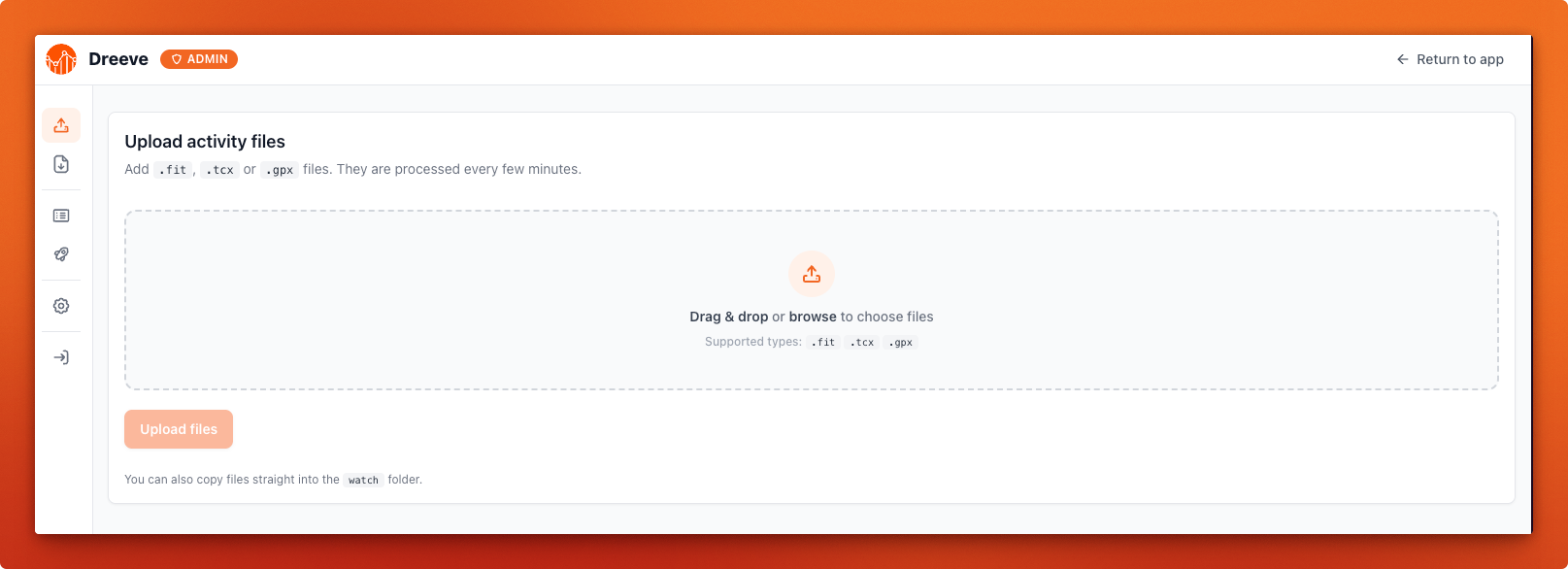
Go to /admin/upload in the admin panel and drag your files in. This is the easiest route if the machine
running Dreeve isn’t the machine your files are on. Uploaded files go through the same pipeline as the “watch folder” approach.
The Garmin connector is a separate container that pulls your activities out of Garmin Connect and drops them into the watch folder for you, so you never have to export anything by hand.
The Polar connector is a separate container that pulls your exercises out of Polar Flow and drops them into the watch folder for you.
The Wahoo connector is a separate container that pulls your workouts out of Wahoo Cloud and drops them into the watch folder for you.
Duplicate detection
Section titled “Duplicate detection”Dreeve checks incoming activities against what it already has imported before. So re-importing a file, or dropping in a bulk
export that overlaps with what you’ve already loaded, won’t create duplicates. Duplicates are silently skipped
and recorded in the import log as skipped.
Running an import
Section titled “Running an import”The daemon container will detect the files and import every 5 minutes. To trigger a run yourself:
> docker compose exec app bin/console app:import:filesThe import log
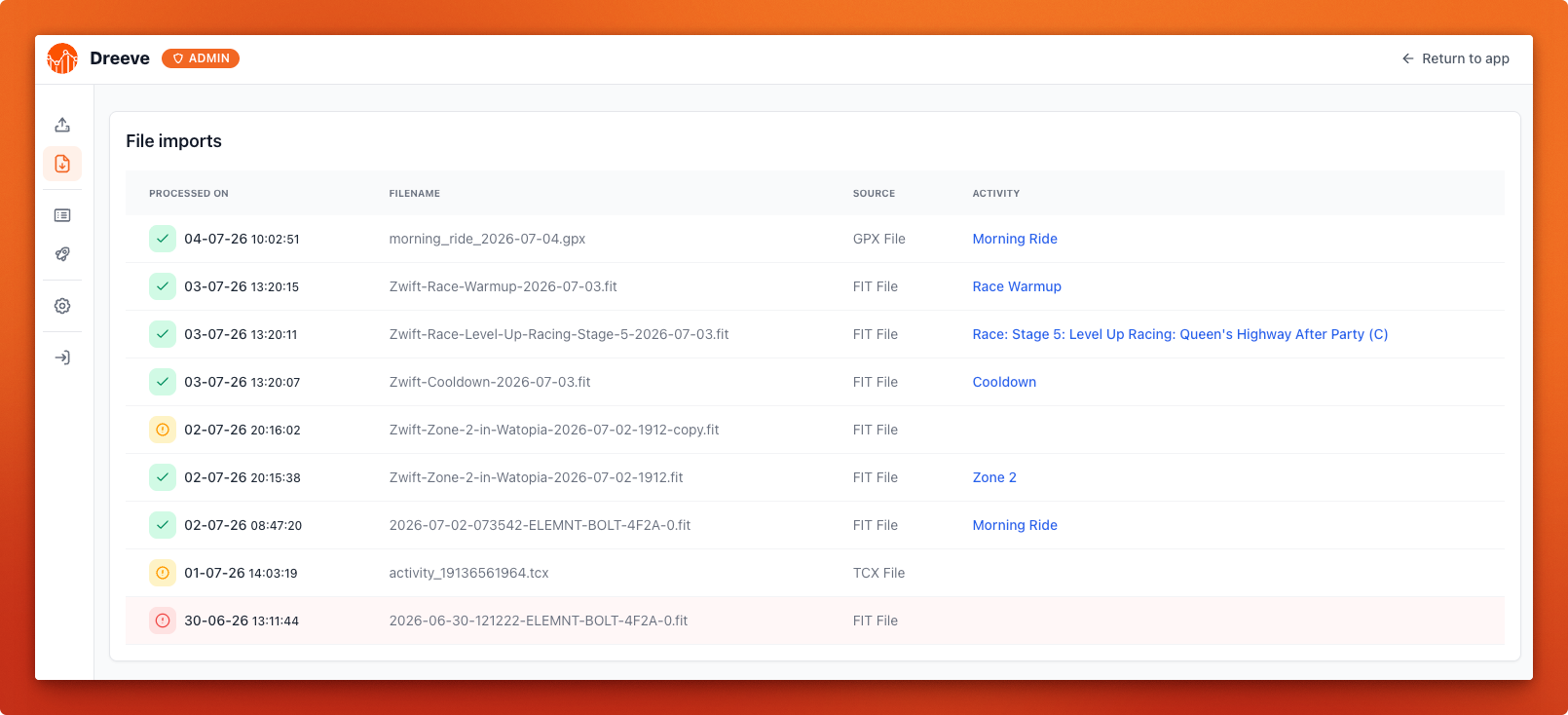
Section titled “The import log”Every processed file is recorded at /admin/file-imports, with one of three outcomes:
| Outcome | Meaning |
|---|---|
success | The activity was imported. The row links to it. |
skipped | The activity was already in your database. |
failed | The file could not be parsed. The row carries the error message. |